Healthy lifestyles start here. Sign up and get exclusive offers
2 year warranty
Welcome gift -10%*
30-day return
TV
All series
Cineos Flat TV
Discontinued
Support
42PF9541/98
Go to shop
Log in or create an account
You instantly have access to manuals, tailored support and more. Plus it’s quick and easy
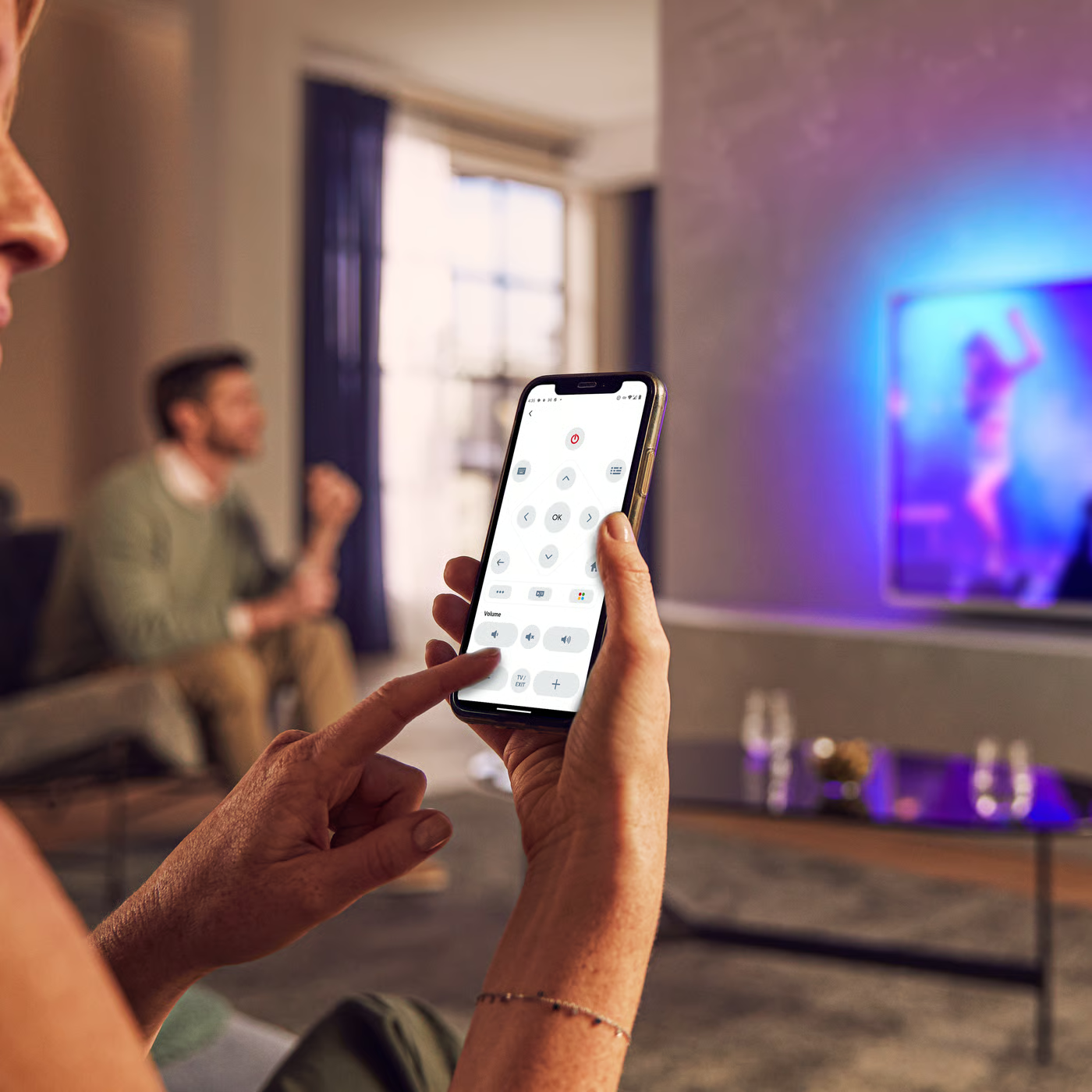
Control your TV with your smart device
The Philips Smart TV app turns your smartphone or tablet into a smart remote, letting you switch channels, adjust volume, browse apps, and fine-tune your Ambilight settings with ease.
End Users License Agreement
Localized commercial leaflet
User manual - English
All (5)
Is it possible to use the split screen function to have video via HDMI and Teletext via antenna in Philips TV?
What to do when there is a picture in Philips TV, but picture has red or white video noise when connecting to accessory device (DVD, STB, PC) using HDMI to HDMI connection?
Can I connect an external Hard Disk Drive (HDD) to my Philips TV?
Do I have connect the antenna to the Philips TV if I use HDMI connected accessory devices?
How to connect PC through HDMI to Philips TV?
Picture is not displayed in 16:9 format while viewing the program through HDMI in Philips TV
HDCP Error message appears when connected to the accessory device using HDMI connection
Blank screen when connecting Philips TV to the accessory (DVD, STB, PC) device via HDMI to HDMI
No audio when connecting the accessory device to my Philips TV using DVI to HDMI connection
Short flickering lines appear on a blank screen before the picture and sound appears,each time when selecting in the AV menu in Philips TV
I have lost my personal settings of my Philips TV
Check the terms of your warranty and start a product exchange or repair
Warranty
Our product warranty policies
Contacting Philips
We're happy to help you